[ 04 ] Co-viewing app · UX research · Service design
NCAD Dublin / 2026
University
NCAD, Dublin
Year
2026
Team
1 person
Duration
4 weeks
Prime Couples
Love in the digital age.
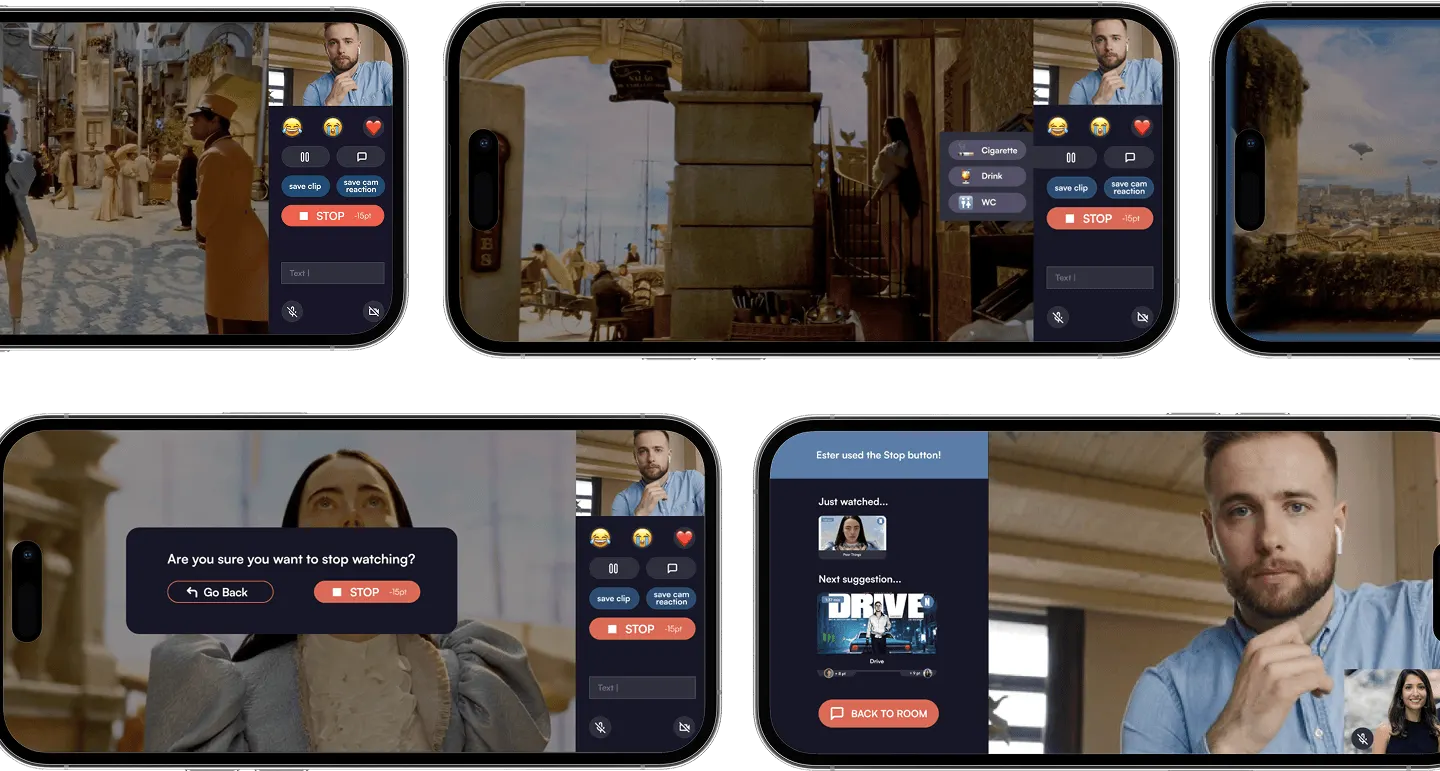
The app, walked through
[ In one line ]
A co-viewing experience designed for long-distance couples, turning passive screen time into a moment of genuine shared presence.
01
Brief
Love in the digital age.
The brief asked me to explore how love is maintained over time, with a particular focus on long-distance relationships.
Rather than addressing communication directly, I looked at the quieter moments: evenings after work, when energy is low but the desire for closeness is still there.
02
Research
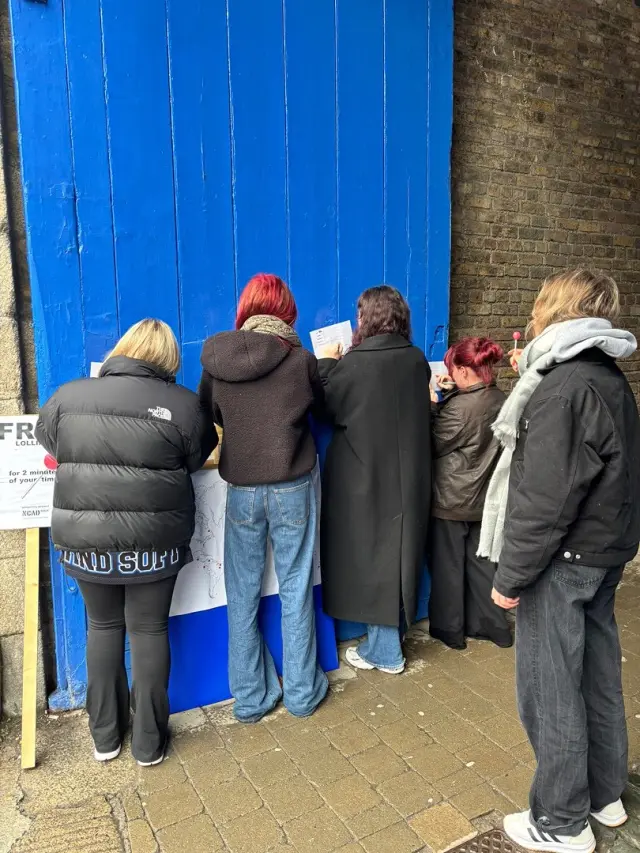
14 interviews. 32 surveys. One consistent frustration.
14Interviews
32Online survey responses
What emerged consistently was not a lack of tools, but a fragmentation of them. Couples were switching between apps, dealing with sync issues, and turning what should have been a relaxed moment into a logistics problem.
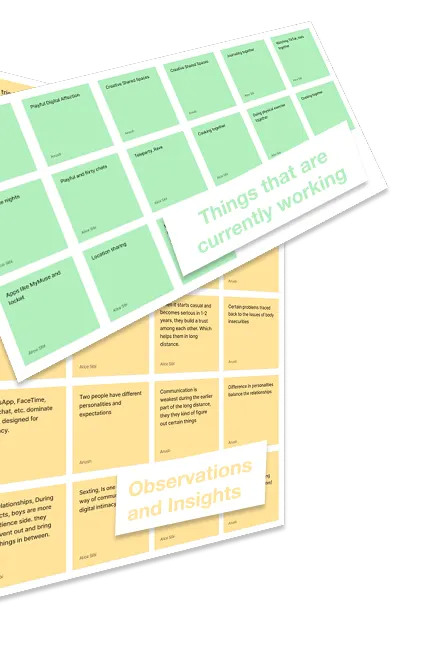
01 What works, observations and insights.
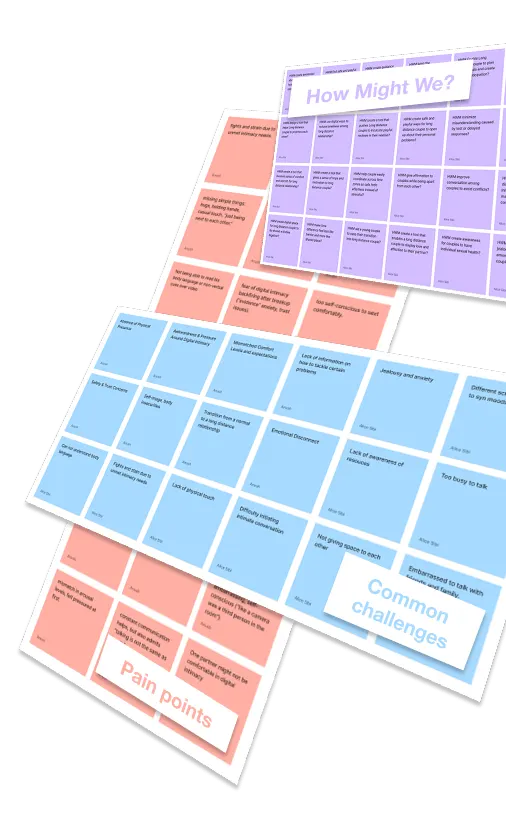
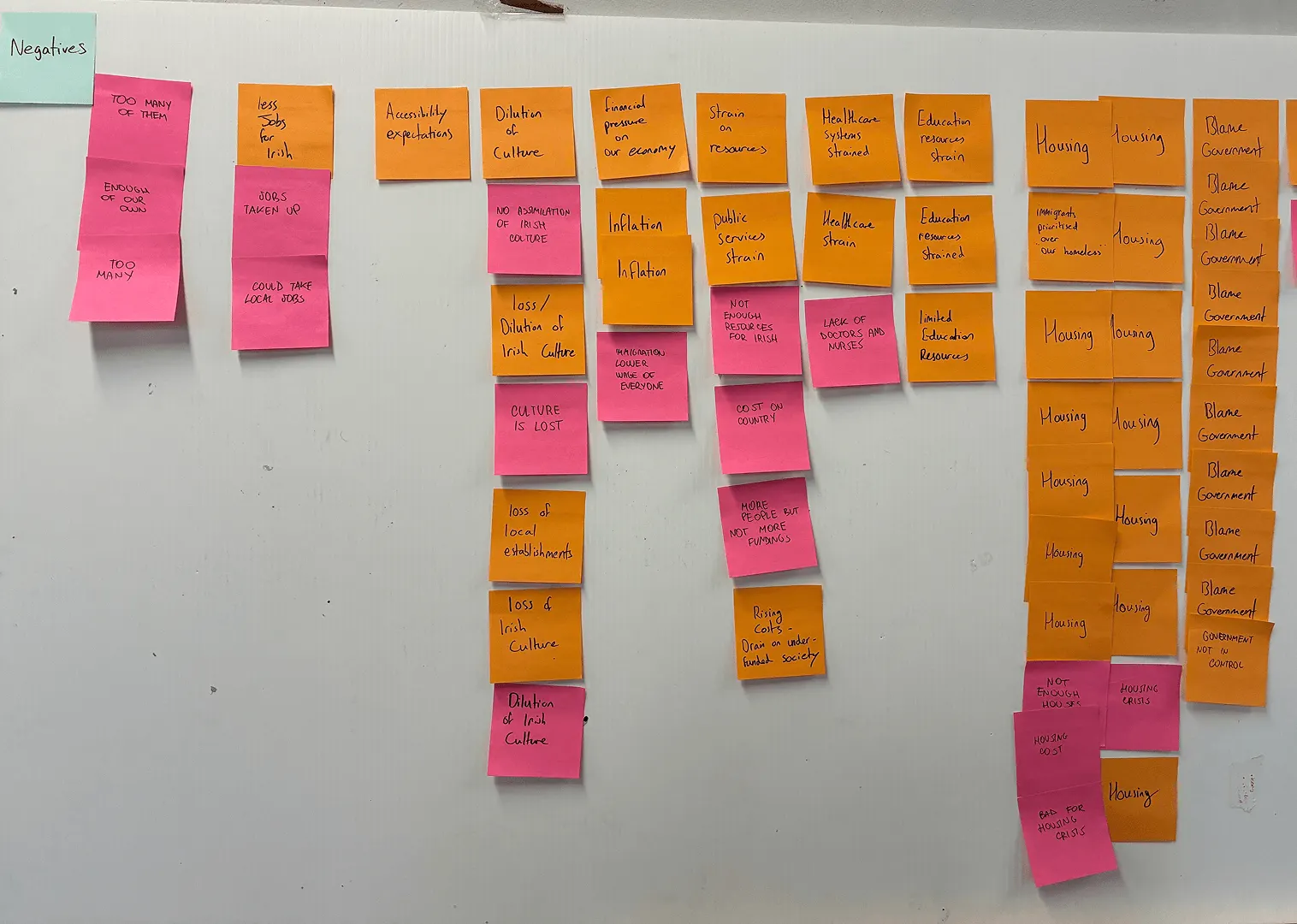
The collected information was divided into observations and insights, things that are currently working, pain points, common challenges, and “How Might We” questions.
02 Pain points, challenges, How Might We.
03
The user
Lucas: exhausted, but still wanting to feel close to her.
Lucas works in marketing, lives in London, and has been in a long-distance relationship for two years. By the time he gets home, he has no energy to talk but he doesn't want to be alone either.
Presence without performance. Connection without effort.That tension became the design brief
[ User persona ]
“It’s not just about seeing or hearing her, it’s about feeling like we’re sharing something real, even from miles away.”
01
Back story
Lucas, 26, lives in London and works as a marketing executive for a mid-sized tech company. His days are fast-paced, filled with meetings, deadlines, and client presentations. He enjoys his job and the independence it gives him, but by the time he gets home, he often feels mentally exhausted.
He has been in a relationship for 5 years, 2 of them long-distance. His girlfriend lives in Rome, so the time zone isn’t a problem, but their different routines make it hard to reach each other during the day.
02
Demographics
Lives: Urban area (works from the office most of the time)
Time zone: just a one-hour difference from his girlfriend
Devices: Smartphone (WhatsApp, Instagram, likely FaceTime); occasionally a laptop or iPad for longer calls
Comfort with tech: Very comfortable; it’s a core part of his job
03
Behaviours
Independent, empathetic and deeply values emotional connection and communication in relationships.
To him, “sharing” means not just messaging or calling, but experiencing small, everyday moments together.
Enjoys simple experiences where he can be himself without the need to perform.
He’s embarrassed about using technology to fulfil his sexual needs in his relationship.
04
Pain points
Asynchronous schedules: his partner’s university life doesn’t match his working hours.
Too many fragmented tools: switching between apps for calls, videos, and chats breaks immersion.
Fatigue after work: sometimes he wants to be together without having to talk constantly.
Poor streaming experiences: lag, bad sync, or limited access to shared media reduce enjoyment.
05
Needs
Wants technology to create contexts that feel effortless and genuine.
A tool that’s intuitive, lightweight and easy to start.
An easy, reliable way to share media (movies, YouTube videos, TikToks) with his partner in real time.
Share calm, intimate moments without pressure to communicate.
06
Goals
Feel emotionally connected and “together” from afar.
Overcome busy, mismatched routines in his relationship.
Turn simple, everyday actions into moments of connection.
Not feel guilty when he’s too tired to talk.
Turn passive screen time into shared time.
03 Lucas Smith: back story, behaviours, pain points, needs and goals.
04
The user journey
What was meant to be a quiet evening together.
Lucas finishes dinner, opens YouTube, and calls his girlfriend. He suggests watching something together. The sync doesn't work. When they try to comment, neither knows when to pause. The call ends on a bad note.
A low-pressure moment of connection becomes a source of frustration. That journey, from workday to failed co-viewing, shaped every design decision that followed.
[ Emotional baseline ]“I should call her”“I want to share this with her”“Why is nothing working?”
01Workday
02At home
03Girlfriend call
04Video together
05During the video
06End of the call
Feeling
Starts enthusiastic, ends exhausted
Very tired but willing to eat and relax on the sofa
Glad to feel less lonely, but too exhausted to keep going
Happy to share an intimate moment without the pressure of talking
Frustrated at not being able to enjoy the moment
Thoughtful about how he couldn’t relax, even with his partner there
Thinking
“I like this, but it’s very tiring”
“The best moment of the day is coming”
“I only have the strength to lie down and watch something”
“I love feeling her presence while I relax”
“Nothing is working as it should”
“This shouldn’t be this hard”
Doing
Attends meetings, analyses data and coordinates with his team through a busy workday
Cooks dinner, relaxes on the sofa with a YouTube video
Tries not to seem too absent during the call
Watches a YouTube video with his girlfriend
Tries not to let technical issues ruin the moment
Gets ready for bed in a really bad mood
04 Workday, at home, the call, the video, the end of the call: feeling, thinking, doing.
05
Prototyping
Paper first. Then digital. Then back again.
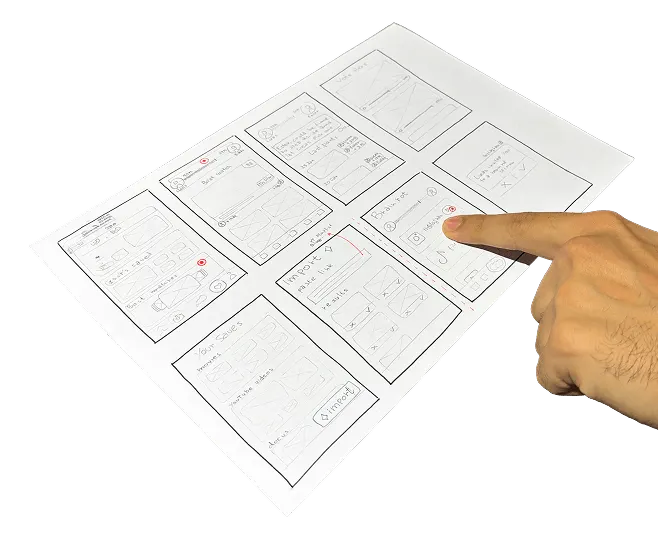
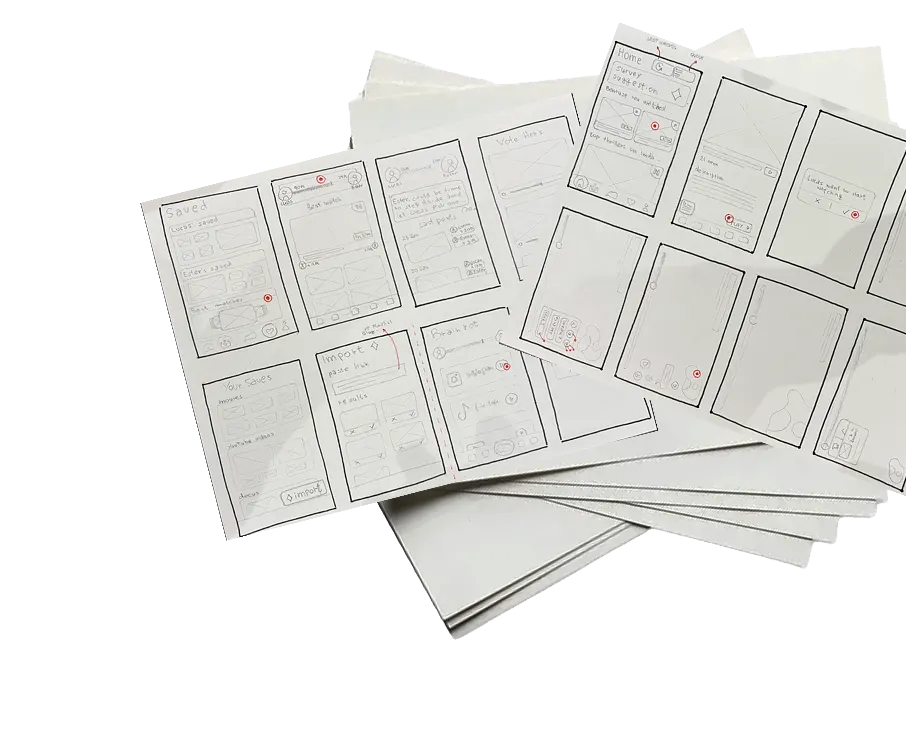
Once the problem was clear, I started with paper wireframes to translate the interaction model into something tangible.
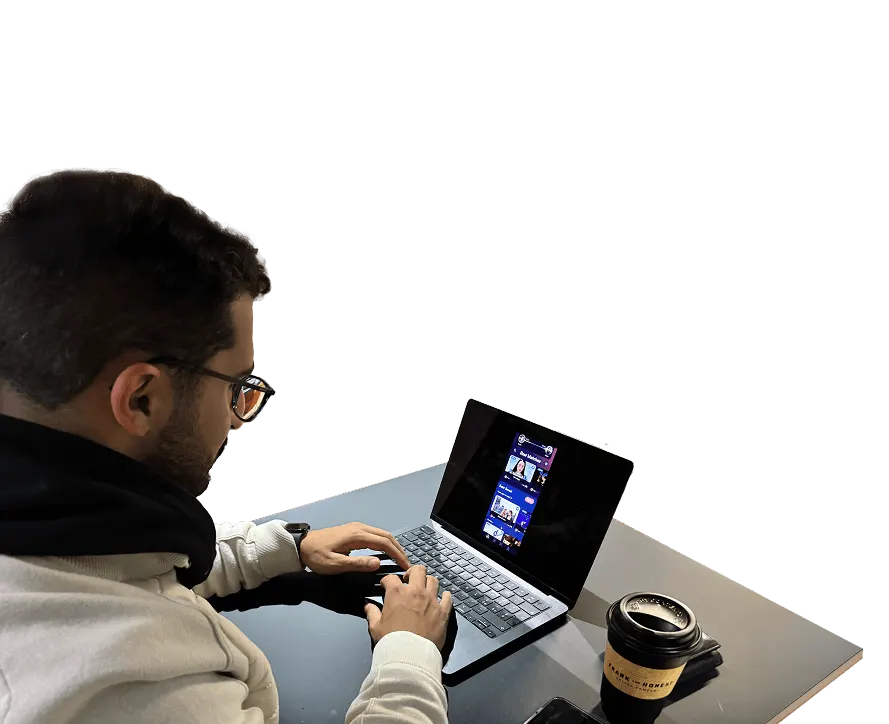
An iterative testing phase followed, moving between paper and digital, to identify friction points and refine the key interactions before committing to visual design.
05 Paper wireframes and the digital prototype, tested side by side.
06
The system
A service, not just an app.
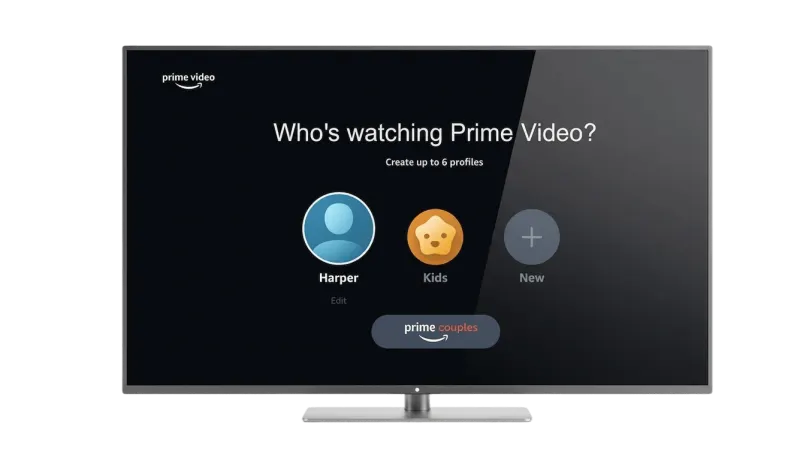
Prime Couples reframes co-viewing for long-distance couples, shifting it from a passive, emotionally distant activity into a shared experience that supports closeness. It functions both as a standalone application and as an integrated feature within existing streaming platforms.
The Amazon Prime integration is one instance. The system is designed to be platform-agnostic.
07
Final design
Prime Couples.
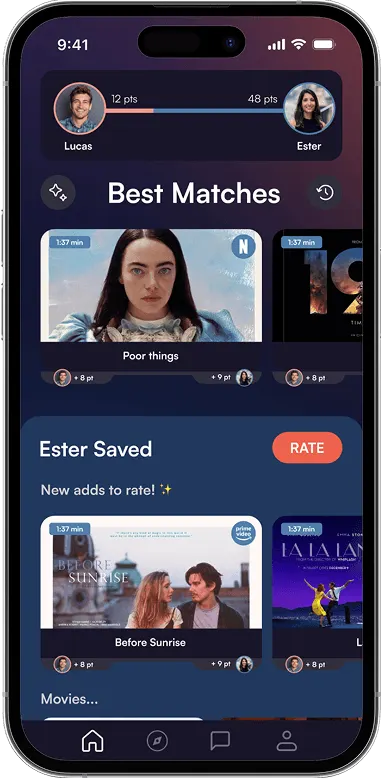
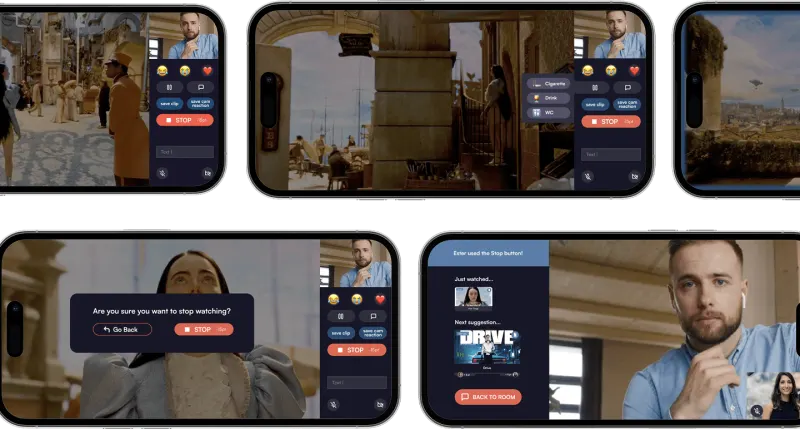
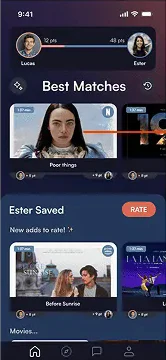
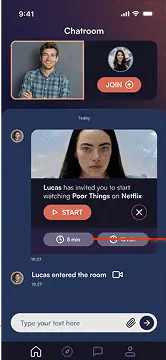
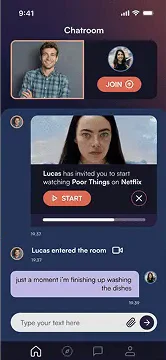
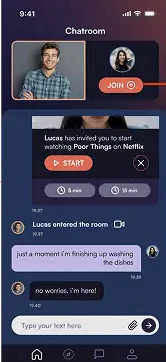
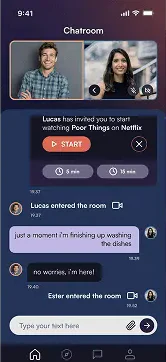
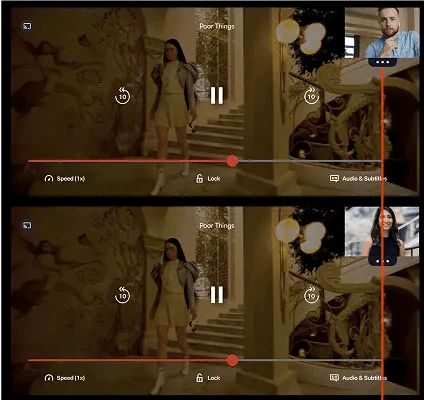
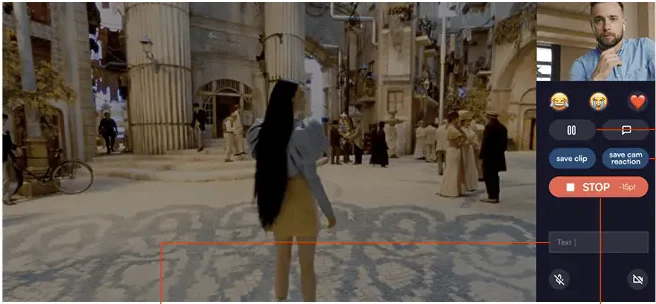
The experience is built around three core interactions: synchronised watching with real-time reaction sharing, a floating message system that lets thoughts appear on the partner's screen without interrupting the viewing, and a gamified scoring system that balances content selection between partners over time.
#EC614E
#F3998D
#507EAB
#214B75
#6F6888
#292241
#322F3E
#191528
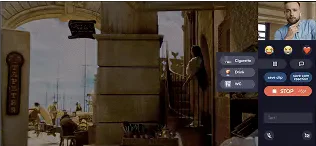
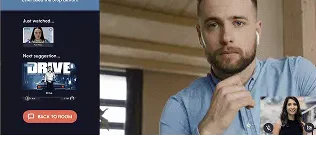
Interaction 01Synchronised watchingBoth play the same moment, with each other’s reactions shared in real time.
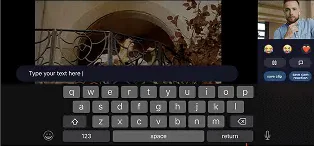
Interaction 02Floating messagesA thought appears on the partner’s screen and drifts away, without interrupting the film.
Interaction 03Gamified scoringPoints balance who picks what to watch, so the choice stays fair over time.
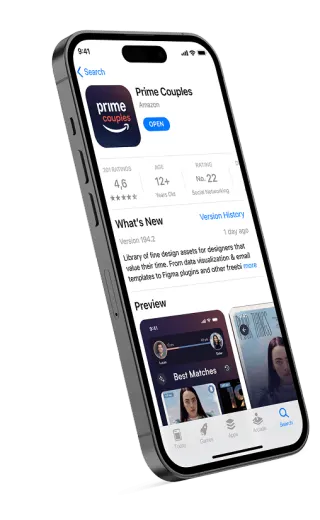
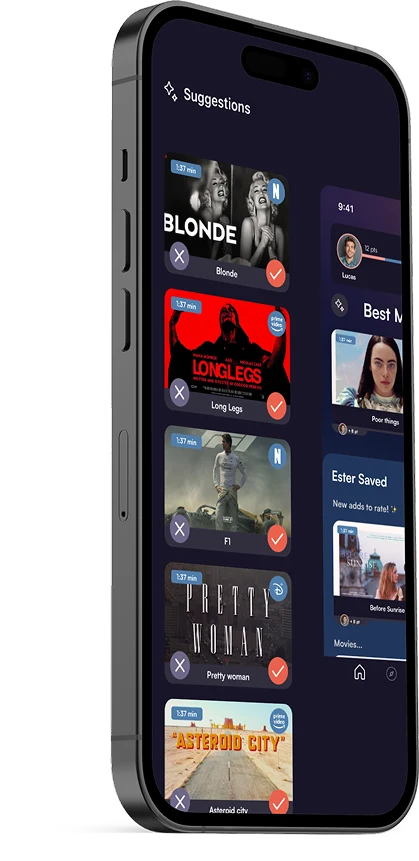
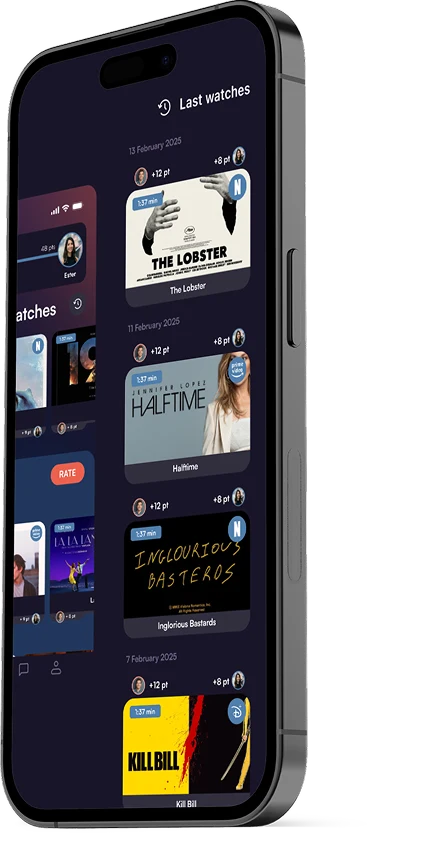
06 As a standalone app.07 As a feature: straight into the Prime Video profile screen.08 Suggestions to rate together.09 Best Matches, scored for both.10 What you’ve watched, together.11 Watching together: reactions, floating messages, a shared stop.
08
User flow
From opening the app to feeling together.
01Find something to watch
02Join the shared room
03View it together
04Interact!
[ User flow ]
TapNext screen
01Home page
02Movie details page
03Chat room page
04Option to postpone the start of the movie
05When the timer ends, both can postpone again or start watching
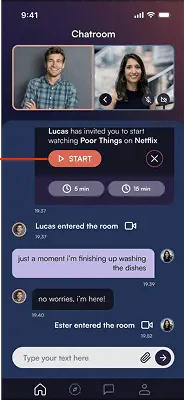
06Join the chat room with a video call before watching
09Synced watching page
08Tapping the chat button returns to the previous screen
07Scrolling down the chat, the video call gets bigger
10Synced watching page
11A subtle way to ask for a pause
12Save cam reaction keeps the last seconds of the partner’s reaction cam, to store it or turn it into a GIF
13The keyboard appears to type a message
14Once sent, the message slowly floats from the bottom to the top of the partner’s screen
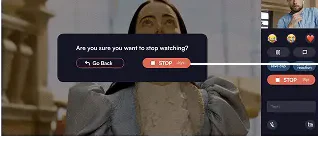
15The stop button opens a pop-up to prevent accidental taps
16Confirming the stop uses up some points
12 The full flow, screen by screen.
[ In the end ]
Every interaction is designed to feel effortless, present without demanding attention.